Tattoo artists today work in a much more flexible environment than even a few years ago. Studio sessions, guest spots, tattoo conventions, international travel, private appointments, and digital design tools have changed the way artists prepare for work. A tablet, Procreate, Photoshop, reference folders, mobile apps, and quick design adjustments are now part of everyday tattoo practice.
Still, between the digital design and the skin, there is one essential stage that can shape the entire session: the stencil.
For an artist, stencil preparation affects proportions, placement, line clarity, composition, and the rhythm of the work. This is especially important in realism, microrealism, fine line, portrait tattoos, ornamental work, and large-scale projects, where even a small loss of detail can make the process harder.
As tattoo workflow becomes more mobile, the stencil printer is also changing its role. It is becoming part of the artist’s personal setup — a tool that can support the same working rhythm in different studios, countries, and conditions.
Why stencil preparation still matters so much
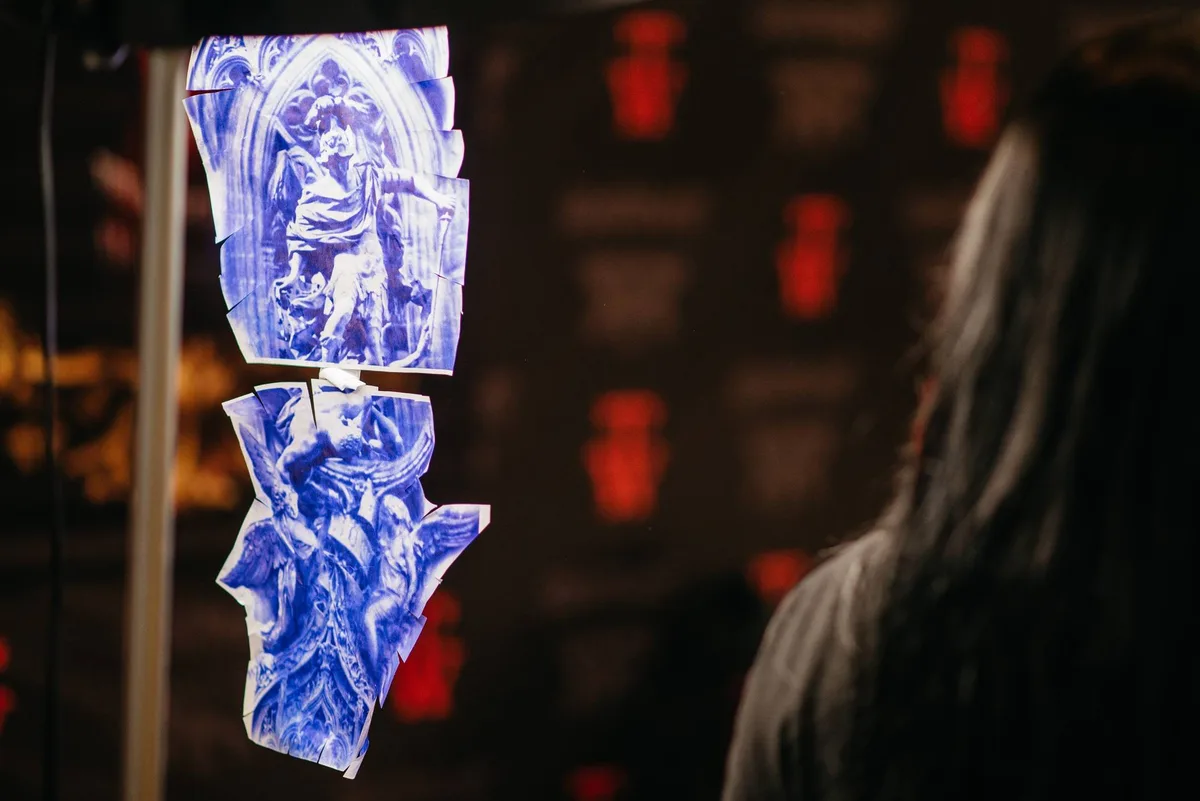
Every tattoo artist has their own approach to preparing stencils. Some draw them by hand. Some process images in Procreate or Photoshop. Others use filters, contrast adjustments, line extraction, or specialized apps to make the design cleaner before printing.
The challenge often appears at the printing stage.
A studio printer may be busy, outdated, poorly adjusted, or unfamiliar. Transfer paper can behave differently depending on the brand, country, or storage conditions. Some printers produce lines that are too heavy, while others print too lightly. Paper can wrinkle, shift, or leave gaps in the transfer. When this happens right before a session, the artist loses time and focus before tattooing even begins.
Kirill Antik, a tattoo artist working in microrealism and realism across France, Israel, Egypt, Dubai, Mexico, and Russia, says that portability and control are essential in his workflow.
One of the most frustrating parts of stencil printing, he explains, is dealing with stationary printers, cables, paper alignment, and unpredictable print settings. Transfer paper in the US and Europe can also behave differently, which means each type of paper may require its own setup.
“What annoys me most is when the paper rolls or shifts and leaves a gap in the transfer. In realism and microrealism, precision is extremely important. Everything has to be clean and clear. The transfer should not spread or wash away too easily,” Kirill says.

Portable printing in modern tattoo workflow

Realistic dog portrait with tennis ball

Demon mask, black and grey realism
He values portable stencil printers because they allow artists to adjust settings quickly through an app — size, print density, and other parameters. During a recent guest spot in Mexico, he had to work with transfer paper that printed too heavily and made the stencil almost unusable. After changing the settings in the app, he was able to get a clean working stencil even with problematic paper.
“I rarely use studio printers because I travel a lot and work guest spots. I need to put my printer in a suitcase and have it with me anywhere in the world. Speed is important too. If stencil preparation takes around ten minutes, that’s fine. If it takes half an hour, it already takes a real piece of the session,” he explains.
Digital design needs a reliable transfer process
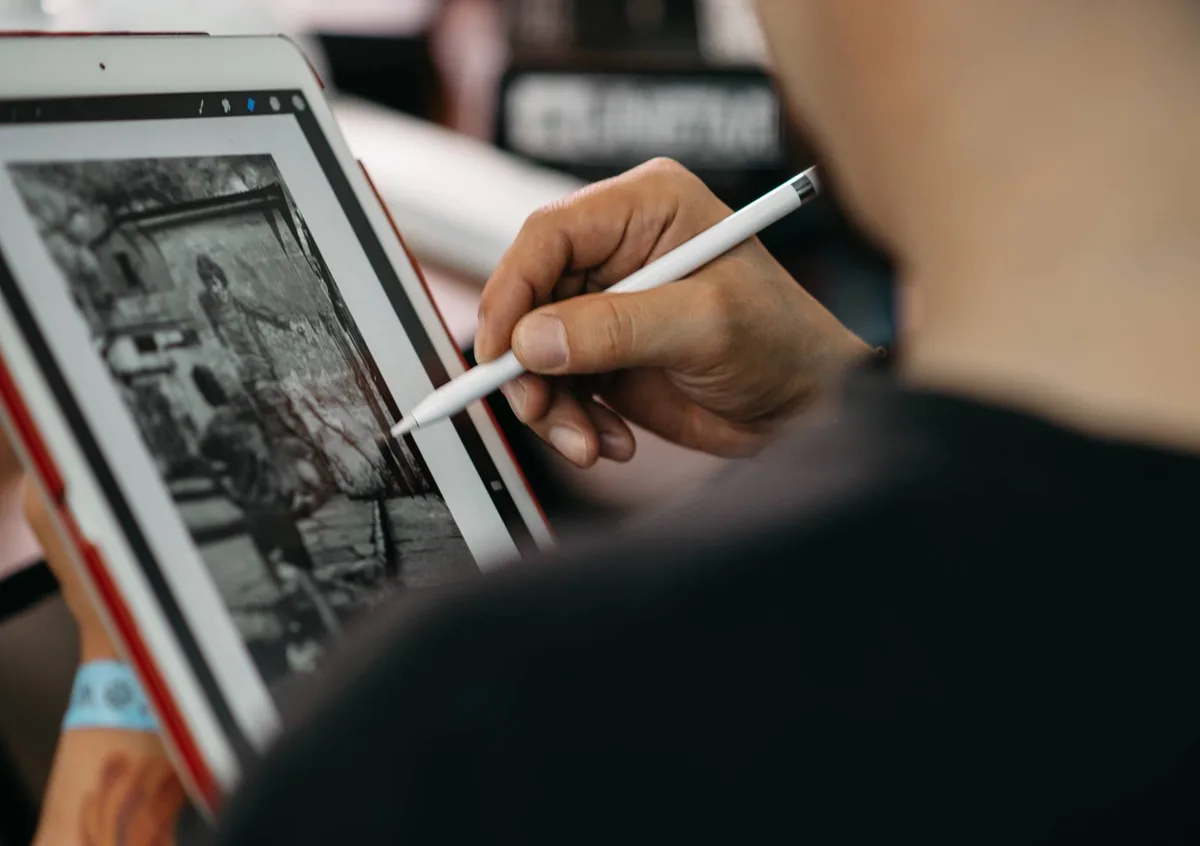
For many artists, the design stage is already digital. Sketches, references, resizing, composition changes, contrast correction, and line preparation often happen on a tablet or computer. The final result still has to become a physical stencil.
Tattoo artist Vladollla usually prepares stencils by hand, especially when he wants full control over the result. When a design contains many details, textures, or complex elements, this process can take a lot of time and energy. In these cases, he uses Procreate filters or Photoshop to prepare the image for stencil printing.
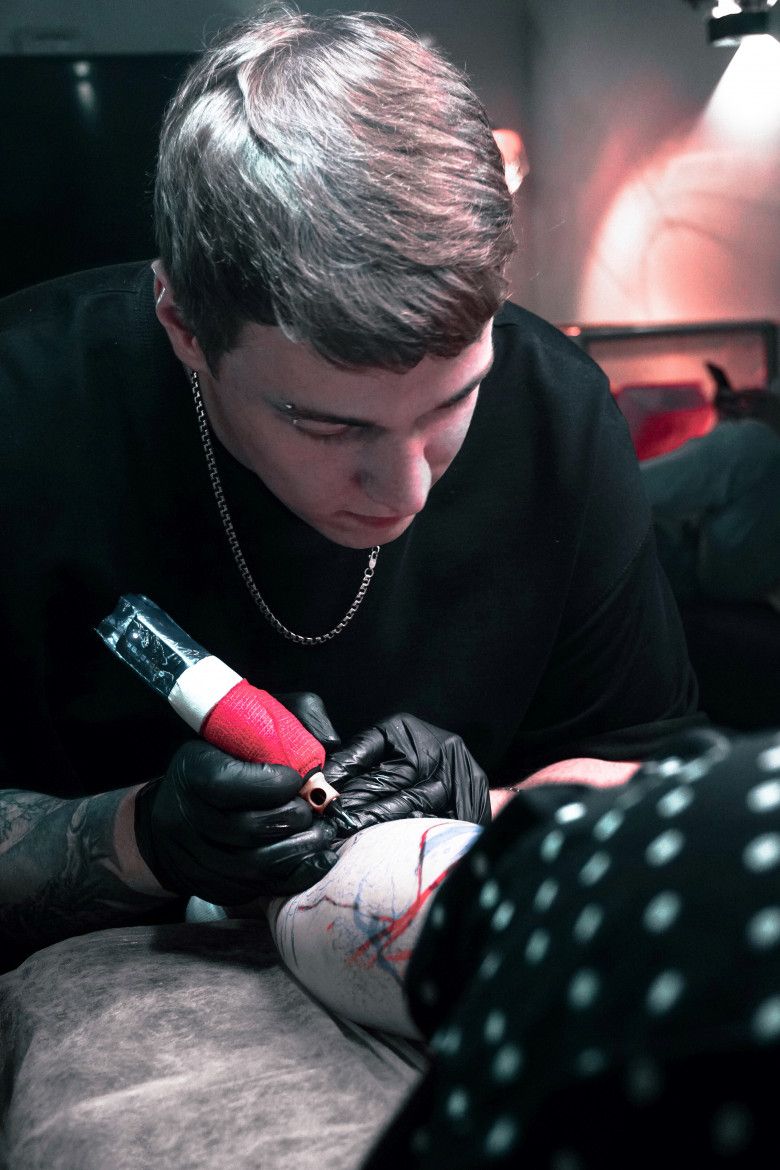

For him, speed and accuracy matter most. The printing stage should take as little time as possible while keeping the stencil clear and usable.
He sees a portable stencil printer as a practical tool for artists who want to reduce dependence on shared studio equipment: take it out, print the stencil, and start working.
Phomemo M08F Plus and the mobile stencil workflow
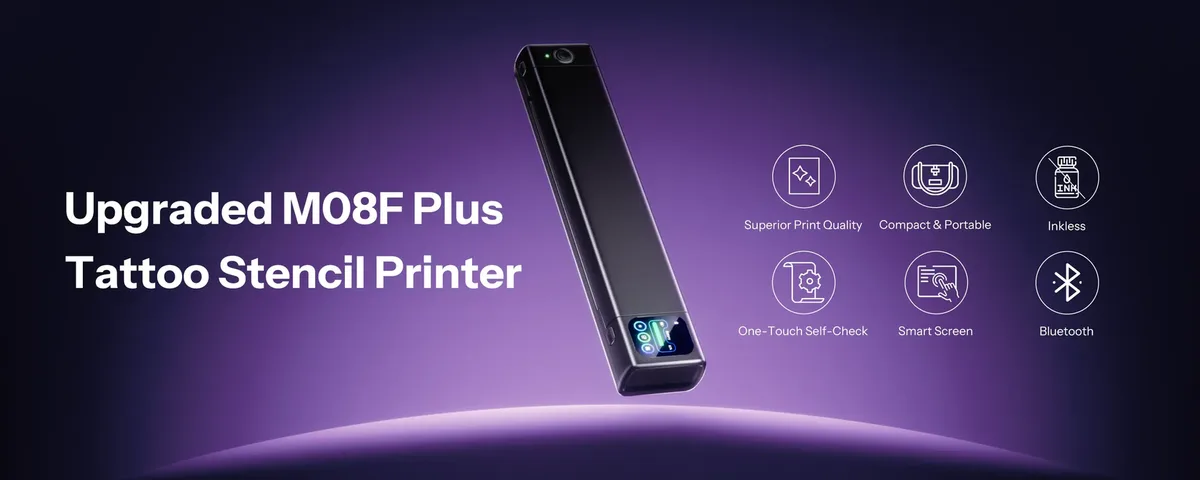
Phomemo M08F Plus Tattoo Stencil Printer is designed for tattoo artists at different stages of their practice, offering a cleaner and more flexible way to move from digital design to stencil transfer.
The device combines a portable format, touchscreen control, wireless connectivity, inkless thermal printing, a specialized tattoo print head, and app-based design tools. In this setup, the printer becomes part of a complete stencil workflow: from digital artwork to transfer paper.
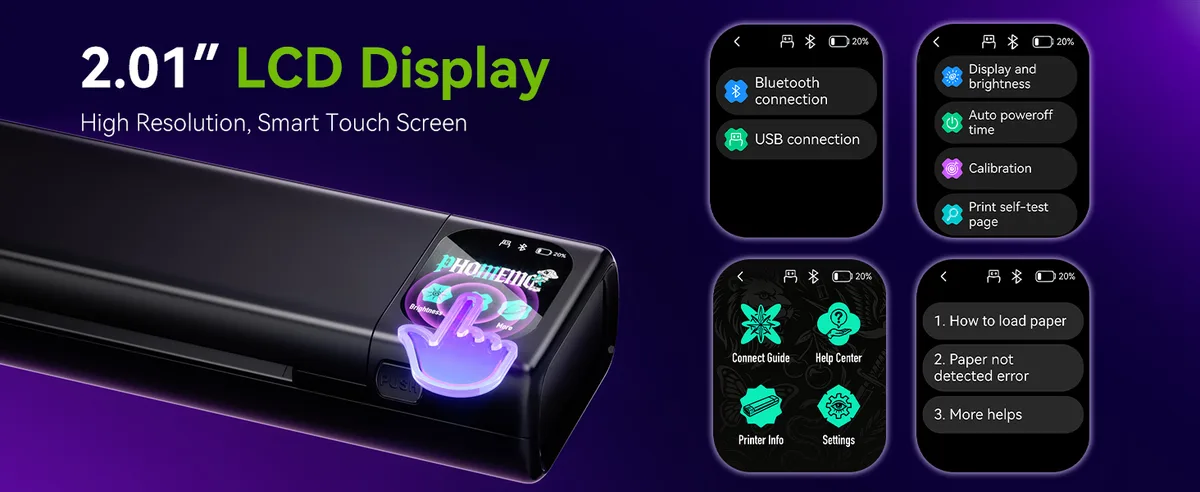
One of the key features of the M08F Plus is the direct touchscreen display. It is the first model in its series with a built-in screen, allowing artists to check battery life and connection status at a glance. In a studio, at a convention, or during a guest spot, this makes setup faster and more transparent.
The printer is compatible with Android, iOS, Mac, and Windows 10, and supports Bluetooth and USB-C connectivity. This gives artists more freedom to work from the device already built into their process — phone, tablet, laptop, or desktop computer.
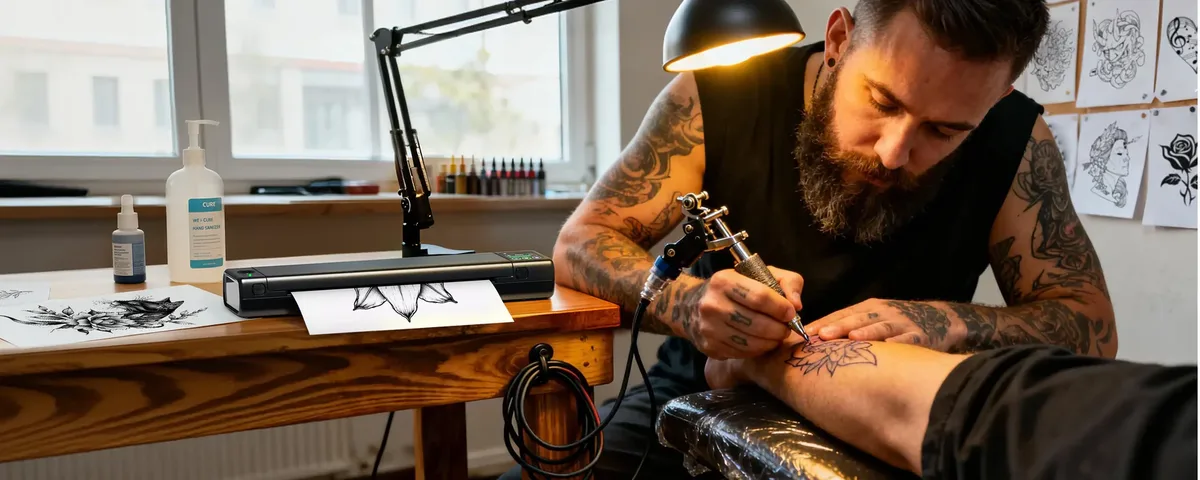
M08F Plus also features a specialized tattoo print head optimized for thermal stencil paper. It is built for high-resolution, smudge-free transfers, including intricate line work. For realism, fine line, microrealism, and complex compositions, stable line clarity is one of the most important requirements for stencil printing.
The device uses inkless thermal technology, so it does not require ink or toner. This makes the workflow cleaner, reduces maintenance, and simplifies use in different studios, conventions, and travel settings.
The app as part of preparation

Fine line poodle design conversion app

AI-generated puppy tattoo designs

Real Stencil portrait comparison
The Phomemo ecosystem includes a tattoo app that supports the preparation stage before printing.
The app offers a design library, big-image splitting, document printing, and AI-generated design tools. It also includes tattoo-focused features such as AI Tattoo Generator, Image-to-Tattoo, Tattoo Extraction, Line Extraction, and image optimization for stencil preparation.

For artists, these tools are most useful at the technical preparation stage. They can help process references, extract linework, improve image clarity, prepare stencil-ready outlines, or divide a large composition into printable sections.

Digital tattoo design with printed stencils

Purple back tattoo in engraving style

Big-image splitting is especially useful for sleeves, backs, legs, and other large-scale projects where the design needs to be printed across several sheets while keeping the correct scale and structure.
AI-assisted tools can speed up some parts of the workflow, while the final artistic decision stays with the artist: what to keep, what to redraw, what to simplify, and how to adapt the design to the client’s body.

AI Tattoo Generator, classic tiger and rose

Line-art portrait from digital design
Portability as professional control
For a tattoo artist, portability is closely connected to control.
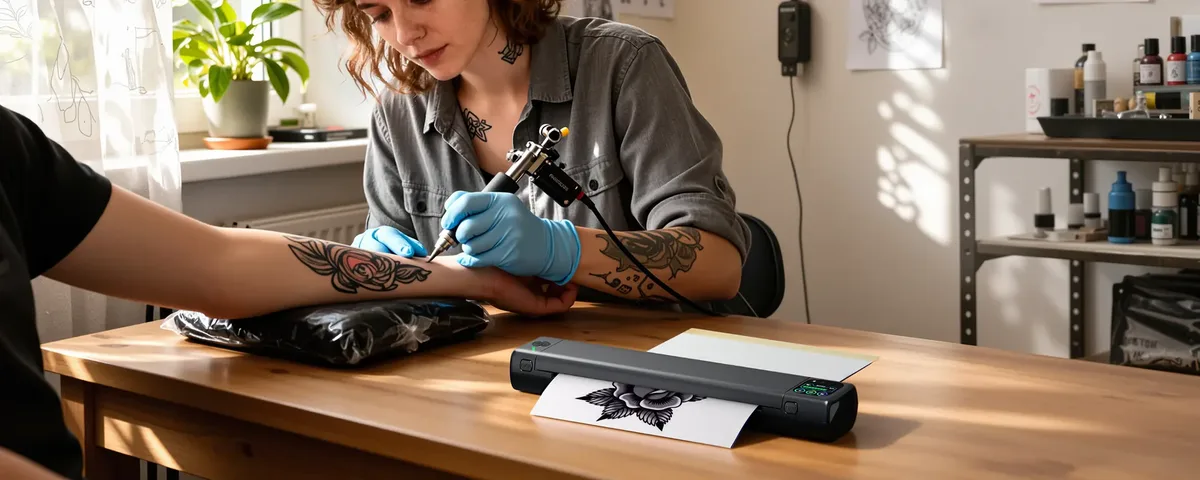
A portable stencil printer can be useful during guest spots, conventions, studio sessions, education, and mobile setups. It helps when a shared printer is busy, when available equipment is unfamiliar, or when a stencil needs to be resized or reprinted quickly.
For artists working internationally, a personal printer means a more predictable workflow. The artist does not have to rely on a studio printer, wait for equipment, or adjust to someone else’s settings before every session.
This is where devices like the Phomemo M08F Plus fit into the current direction of tattoo practice. Artists want to prepare designs digitally, print stencils quickly, adjust settings when needed, and keep their working rhythm consistent in different environments.
A new direction for stencil preparation
Tattooing changes through tools that make the process more precise, flexible, and efficient. The stencil printer is part of that shift.
Phomemo M08F Plus brings together portable hardware, touchscreen control, wide device compatibility, inkless thermal printing, a specialized tattoo print head, and app-based design tools. It is built for artists who want to reduce technical friction between digital design and stencil transfer.
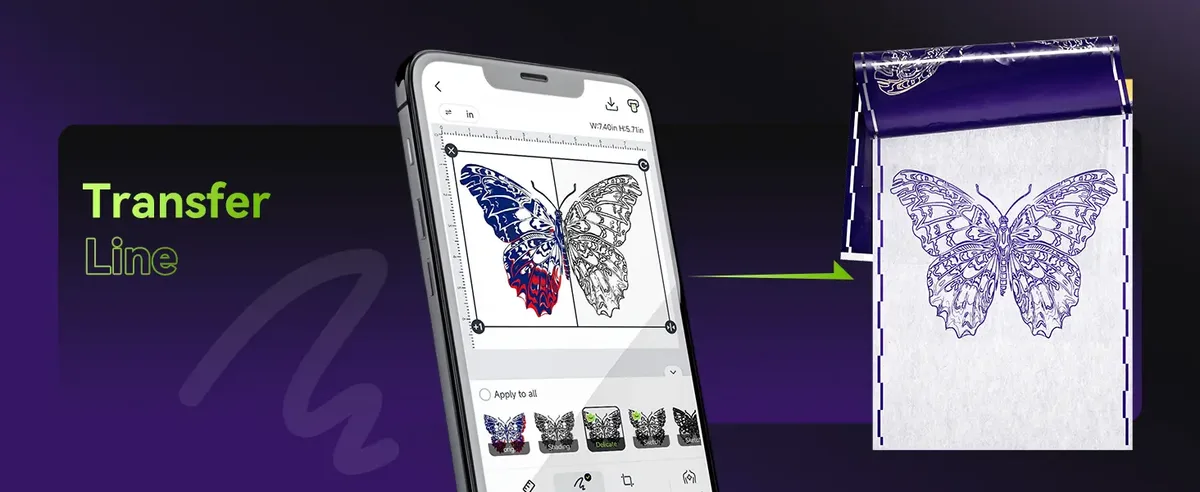
For studio artists, it can speed up preparation. For traveling artists, it can support a consistent workflow across different locations. For convention artists, it can save time in a high-pressure environment. For artists working with detailed styles, it can help maintain clearer and more controlled stencil output.
As tattoo workflow becomes more digital and mobile, stencil preparation is becoming more personal too. The printer is moving from shared studio equipment into the artist’s own system — from design idea to transfer paper, and from transfer paper to skin.
About Phomemo
Phomemo is a global portable printing brand with more than 12 years of expertise in thermal printing technology and over 40 million users worldwide. In the tattoo industry, the brand develops devices and digital tools designed to help artists streamline the journey from digital design to stencil preparation.
Phomemo M08F Plus Tattoo Stencil Printer was created for tattoo artists who want to combine portable hardware, image-processing tools, and stencil printing within one flexible workflow. It can be especially useful for novice tattoo artists, who often need a simple and reliable way to print tattoo line art, prepare clear stencil-ready outlines, and use the app’s assistive features during the design preparation stage.